
TF-TV3709 TF-TV4209 LCD TV provides a wide range of screen settings, you can choose different screen settings according to the type of program you are watching or the surrounding conditions (the lighting or the outside weather conditions). You can switch between the Sport, Movie, Music and Normal options, or you can configure the screen settings yourself.
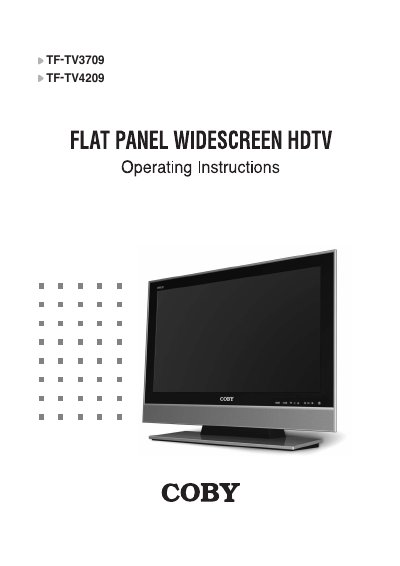
This manual provides operating instructions for the COBY TF-TV3709 and TF-TV4209 Flat Panel Widescreen HDTV. It details safety precautions, unpacking procedures, and step-by-step guides for connecting external devices such as antennas, VCRs, DVD players, PCs, and HDMI/DVI sources.
The guide covers extensive menu settings including screen modes (Sport, Movie, Music), sound configurations (SRS TruSurround XT), picture-in-picture adjustments, and digital broadcasting features. It also includes instructions for setting the time, date, parental controls, and closed captions.
| Product Type | Flat Panel Widescreen HDTV |
|---|
A residual image may be burned into the screen.
Be sure the antenna or cable system is electrically grounded to protect against voltage surges and built-up static charges.