
Agilent BenchCel Workstations is an automated barcode labeling workstation for microplate manufacturers, assay suppliers, pharmaceutical companies and research laboratories.
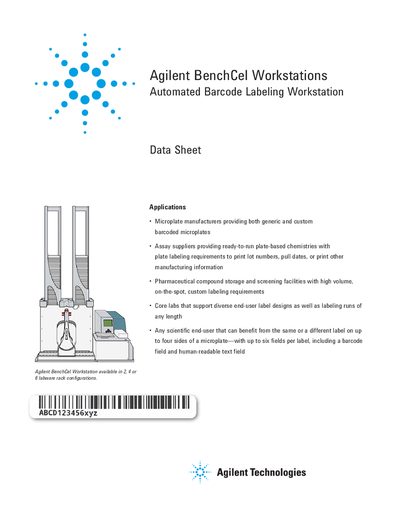
The Agilent BenchCel Workstations are automated systems designed for rapid printing and application of barcode labels to microplates. These workstations utilize a BenchCel Microplate Handler to feed unlabeled plates to an integrated Agilent Microplate Labeler, which uses a 600 dpi thermal transfer printer to apply adhesive labels with barcodes and human-readable text.
The system is suitable for various applications including microplate identification, barcode tracking, and replicate labeling. It offers flexible label formats supporting up to four sides of labware and includes optional barcode readers for verification. The workstation is available in configurations handling 2, 4, or 6 labware racks.
| Printer Resolution | 600 dpi |
|---|---|
| Label Dimensions (Standard) | 50.8 mm W x 6.35 mm H |
| Temperature Range | -80°C to 100°C |
| Label Application Precision (Horizontal) | +/- 1.0 mm |
| Total Time Per Plate | 20 sec |
| Label Capacity (Roll) | 6,500 or 13,000 labels |
The typical total time per plate is 20 seconds.
Yes, with an optional barcode reader, the Microplate Labeler can verify and re-apply barcode labels.