
With the PT-1830, users can create labels for any application. They can select from a variety of frames, character sizes, and styles to design beautiful custom labels. Additionally, the machine supports various tape cartridges, allowing users to print labels with different widths and colors.
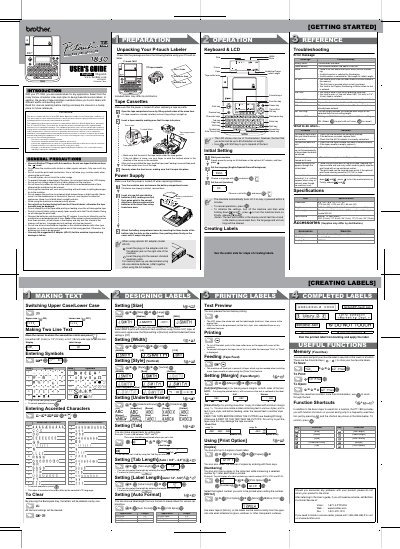
The Brother PT-1830 is an electronic labeling system that allows users to create custom labels with various frames, character sizes, and styles. It supports a wide range of Brother TZ tape cartridges in different widths and colors. The device features a keyboard and LCD display for easy operation and includes functions for text formatting, symbol entry, and label previewing.
| Dimensions | 6.8" (W) × 8.8" (D) × 2.4" (H) |
|---|---|
| Weight | 1.29 lbs. (590 g) |
| Power Supply | Six AA-size alkaline batteries (LR6) or optional AC adapter (model AD-30) |
| Tape Widths | 9/64" (3.5 mm), 1/4" (6 mm), 3/8" (9 mm), 1/2" (12 mm), 3/4" (18 mm) |
| LCD Display | One row of 15 characters |
| Max Text Length | 80 characters |
Only Brother TZ tapes with the specific mark should be used.
Use a soft, dry cloth. Do not use alcohol or other organic solvents.
All text shown in the display and any text files stored in the memory will be lost, and language and unit settings will be cleared.
Check that the batteries are correctly inserted and replace them if they are weak, or check that the AC adapter is correctly connected.