
This document is an instruction manual for purchasing an Olympus digital camera, providing information on how to use the camera, precautions, and accessories.
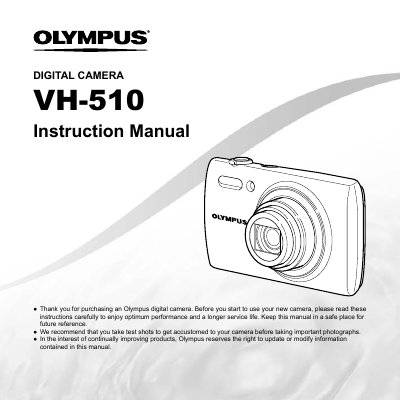
This document is the official user guide for the Olympus VH-510 digital camera. It provides instructions on checking box contents, attaching accessories like the strap, and identifying parts such as the lens, flash, and multi-connector.
The manual details how to operate the camera using buttons like the ON/OFF switch, shutter button, zoom lever, and arrow pad. It explains shooting modes, playback functions, menu navigation for settings like image size and compression, and includes troubleshooting tips.
The box contains a digital camera, strap, lithium battery (CB-L508), USB-AC adapter (F-2AC), AV cable (CB-AVC5), CD-ROM, and warranty card.
Press the button with the symbol (©) to switch between shooting and playback modes.