
This manual introduces the use of Olympus digital camera, including how to insert batteries and storage cards, how to take pictures and videos, how to use different shooting modes, how to use the built-in flash, etc.
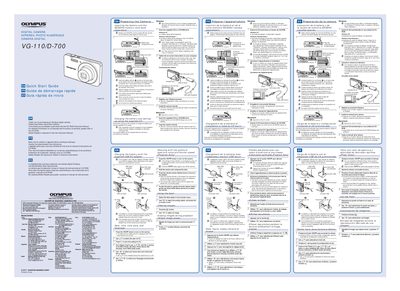
Thank you for purchasing an Olympus digital camera. This document serves as a GM (General Maintenance/Quick Start) guide to help you begin using your device immediately. It covers essential first steps such as inserting the battery correctly and setting up the camera with a computer.
The guide provides specific instructions for Windows XP, Vista, and 7 operating systems, detailing how to use the supplied CD-ROM setup software. It also includes safety warnings regarding battery handling and registration information.
Detailed information on all features and warranty provisions is provided on the CD-ROM Instruction Manual.
You must always use SD/SDHC memory cards and should not insert any other types.