
This manual describes how to use the Olympus VG-170 digital camera.
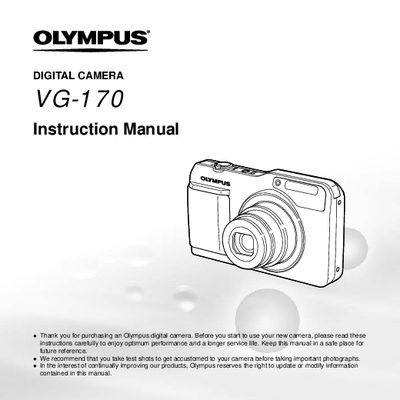
This document is the official user guide for the Olympus VG-170 digital camera. It provides instructions on checking box contents, attaching accessories like the strap, and understanding the names of parts such as the lens, flash, and multi-connector.
The manual details how to operate the camera using buttons like the ON/OFF button, shutter button, zoom lever, and arrow pad. It explains various shooting modes, menu settings, playback options for still images and movies, and includes information on battery care and warranty.
The box contains a digital camera, strap (LI-SOB), lithium battery (F-2aG), USB cable, AV cable, setup CD-ROM, and warranty card.
Press the button with the symbol that switches between shooting and playback to change modes.