
This instruction manual describes how to use the Olympus digital camera VR-330/D-730.
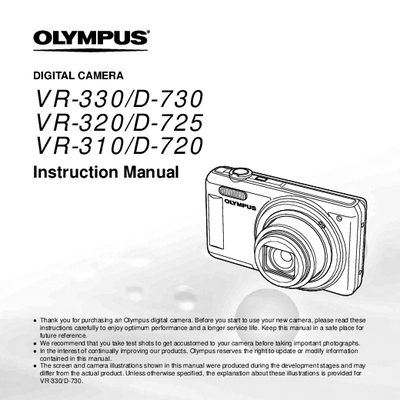
This instruction manual provides comprehensive guidance for using the Olympus VR-330 digital camera. It details how to prepare the camera by installing batteries and memory cards, as well as familiarizing users with the names of parts such as the flash, zoom lever, and various buttons.
The guide covers essential operations including shooting modes (Program Auto, Scene Mode, Panorama), using direct buttons for quick access to functions like exposure compensation and drive mode, and navigating through the Setup menu. It also explains how to view, edit, erase images, and print photos directly via PictBridge or with DPOF reservations.
The manual notes that certain features, such as specific menu options or settings, are available only on the VR-330/D-730 model.
You can use the direct buttons on the camera to access frequently used functions without navigating through menus.
The function menu allows you to select modes such as Program Auto, AUTO, Scene Mode (SCN), Magic Filter, Panorama, 3D Photo, Flash, Macro, and Self-timer.