
Agilent G1352A Isocratic-to-Quaternary Pump Upgrade Kit Installation Note

This note describes how to install the isocratic-to-quaternary pump upgrade kit into an Agilent 1100 Series isocratic pump and the features and characteristics of the upgraded pump.
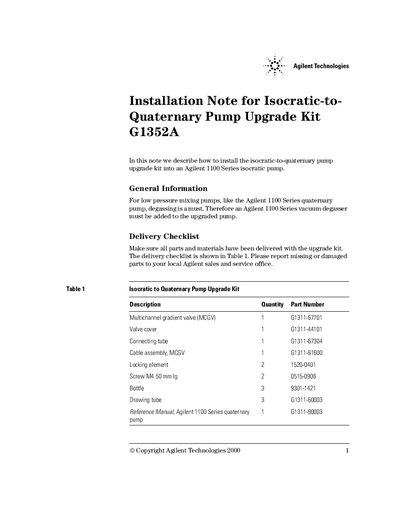

Agilent G1352A Isocratic-to-Quaternary Pump Upgrade Kit Installation Note - cover page
Brand
Agilent
Document type
Installation Guide
Language
English
Pages
8
File format
PDF
File size
526 KB
Published
08 June, 2012
Updated
29 September, 2023
MD5 checksum
712EA363D8CA80EC45E5D9B5511A44A5

About this manual

The guide details the physical installation of the Isocratic-to-Quaternary Pump Upgrade Kit (G1352A) into an Agilent 1100 Series isocratic pump. It includes a parts checklist, safety warnings regarding solvent handling and electrostatic discharge, and step-by-step procedures for installing the Multichannel Gradient Valve (MCGV), connecting cables, and replacing covers.

What's inside

  • General Information
  • Delivery Checklist
  • Safety Information
  • Installing the MCGV Cable Assembly
  • Configuration of the Controller
  • Entering the Type Command

Frequently asked questions

Is a vacuum degasser required after upgrading to a quaternary pump?

Yes, an Agilent 1100 Series vacuum degasser must be added because degassing is a must for low pressure mixing pumps.

What command must be entered to configure the upgraded pump?

The user must enter the TYPE G1311A command via the Control Module or ChemStation.

What happens if the pump status indicator turns red after installation?

This is normal behavior because the firmware requires a new TYPE command for the upgraded quaternary pump.

Download PDF (526 KB)

More Agilent Manuals


View all Agilent manuals →