
This document covers the usage and features of the stand-alone digital camera in the CASIO MULTI PJ CAMERA/ Multifunctional Camera System.
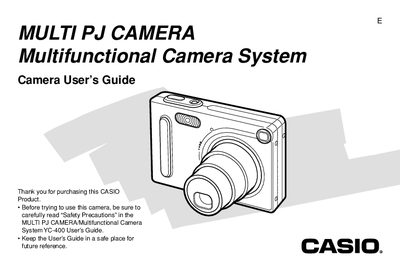
This manual provides instructions for using the stand-alone operation of the CASIO MULTI PJ CAMERA/Multifunctional Camera System model YC-400. It covers basic image recording features such as optical and digital zoom, flash usage, self-timer, and various focus modes including macro and pan focus.
The guide also details playback functions like slideshow creation, audio snapshot addition, and image editing tools such as cropping and resizing. Additionally, it explains how to manage files using folders and protection settings, transfer data via USB or memory cards, and use the bundled software for creating albums on a computer.
| Battery Type | Rechargeable lithium ion battery (NP-20) |
|---|---|
| Approximate Battery Life (Shots) | 540 shots |
| Dimensions | 87(W) x 57(H) x 23.1(D) mm |
| Weight (excluding battery) | Approximately 129 g |
The camera requires a rechargeable lithium ion battery, specifically the NP-20 model.
No, the camera does not have a separate battery for the clock; settings are cleared if power is cut off.