
Casio EX-ZR20 Digital Camera User's Guide

This manual provides an overview of the basic functions and operations of the CASIO EXILIM Digital Camera E.
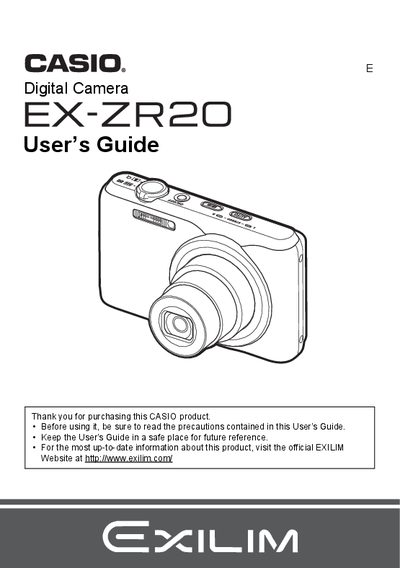

Casio EX-ZR20 Digital Camera User's Guide - cover page
Brand
Casio
Category
Digital cameras
Document type
User Manual
Language
English
Pages
197
File format
PDF
File size
3.4 MB
Published
06 June, 2012
Updated
30 September, 2023
Model
EX-ZR20
MD5 checksum
9EB6DC1C40137243BF36BBD81158EF84

About this manual

This manual provides instructions for operating the CASIO EX-ZR20 digital camera. It details how to charge the battery, load memory cards, and configure basic settings upon first use. The guide explains various snapshot shooting features, including Auto Focus, Flash modes, White Balance adjustment, and specialized modes like BEST SHOT, HDR Art, and High Speed Night Shot.

What's inside

  • Accessories
  • Basic Reference
  • Turning the Camera On and Off
  • Snapshot Shooting
  • Recording Movies
  • BEST SHOT Mode
  • Advanced Settings
  • Viewing Snapshots and Movies
  • Printing
  • Using the Camera with a Computer

Frequently asked questions

What is the battery model included with this camera?

The camera comes with a rechargeable lithium ion USB-AC adaptor battery (NP-110).

What is the minimum pixel yield percentage of the LCD panel?

The monitor screen uses a liquid crystal panel with a pixel yield in excess of 99.99%.

What should you do before shooting your final image?

You must shoot a test shot to ensure that the camera is recording correctly.

Download PDF (3.4 MB)

More Casio Manuals


View all Casio manuals →