
This document provides information on the precautions for using CASIO digital cameras, as well as the product packaging list and installation instructions.
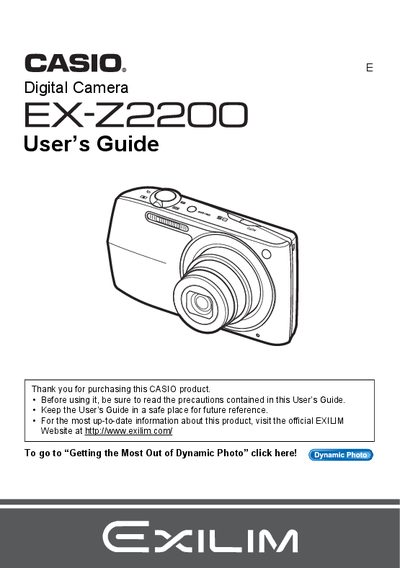
This manual provides comprehensive instructions for using the Casio EX-Z2200 digital camera. It covers essential topics such as unpacking the device, charging the NP-110 battery, configuring initial settings, and operating the camera in various modes including snapshots and movie recording.
The guide details advanced features like Dynamic Photo technology, BEST SHOT scene setups, and image editing functions available directly on the camera. It also includes sections on connecting to computers for file transfer, printing via PictBridge, and troubleshooting common issues.
The package includes a rechargeable lithium ion battery (NP-110), a charger unit (BC-110L), a power cord, a USB cable, an AV cable, a CD-ROM, and a Basic Reference.
The liquid crystal panel provides a pixel yield in excess of 99.99%.
You must shoot a test shot to ensure that the camera is recording correctly.