
This is a user's guide for a CASIO digital camera, providing information on the features and characteristics of the product.
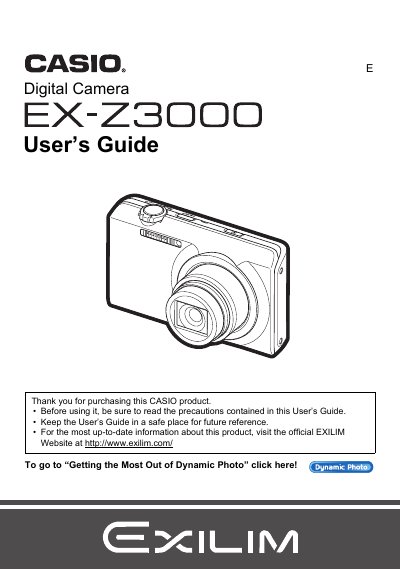
The document serves as a comprehensive user guide for the Casio EX-Z3000 digital camera. It details unpacking procedures, battery charging, and initial setup steps including memory card preparation. The guide explains how to operate the touch panel and various shooting modes such as snapshots, movies, HDR, and Dynamic Photo features.
| Battery Type | NP-110 |
|---|---|
| Movie Image Size | 640x480 pixels |
The manual lists a section on 'Supported Memory Cards' but does not specify the exact types in the provided text.
You can use the 'Movie Converter' function found in the PLAY menu to convert a still image background with a moving subject into a Motion JPEG movie.