
This document is the user's guide for Casio Digital Camera E model, providing information on precautions, unpacking checklist, accessories, and the official website.
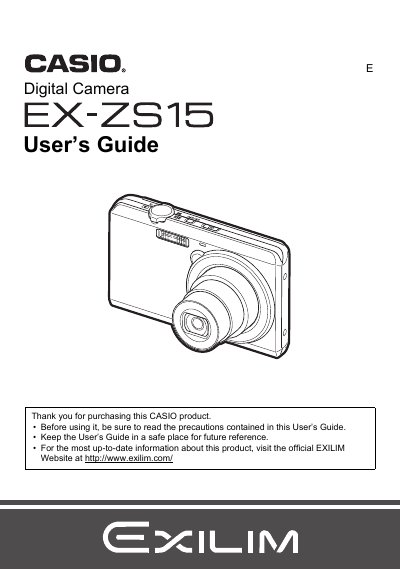
This manual provides instructions for using the Casio EX-Z515 digital camera. It covers unpacking the device, charging the NP-120 battery, and configuring initial settings such as language and date/time. The guide details how to operate the touch panel shutter, select various recording modes including snapshots and movies, and utilize features like face detection and anti-shake.
The rated voltage of the rechargeable lithium ion battery (NP-120) is 3.7V.
The battery measures approximately 35.5mm (W) x 40.2mm (H) x 5.0mm (D).
The camera should be operated within a temperature range of 0 to 40°C (32 to 104°F).