
This is a manual for CASIO EXILIM Digital Camera
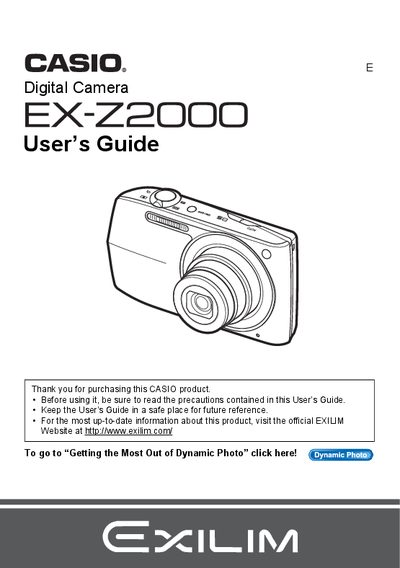
This manual provides comprehensive instructions for using the Casio EX-Z2000 digital camera. It covers essential topics such as unpacking the device, charging the NP-110 battery, configuring initial settings, and operating the camera in various modes including snapshots and movie recording.
The guide details advanced features like Dynamic Photo, BEST SHOT scenes, face detection, and image editing functions available directly on the camera. It also includes instructions for connecting to a computer via USB or Eye-Fi cards, printing with PictBridge printers, and troubleshooting common issues.
| Battery Type | Rechargeable lithium ion Digital camera battery (NP-110) |
|---|---|
| Charger Model | BC-110L |
The manual lists a section on 'Supported Memory Cards' but does not specify the exact types in the provided text.
You can format (initialize) a new memory card using the camera as described in the manual.