
This document is the User's Guide for CASIO Digital Camera E model, which provides precautions for using the product and instructions on where to purchase it. Users are advised to read this guide before using the camera and keep it for future reference. The document also includes a link to the official EXILIM website for up-to-date information about the product.
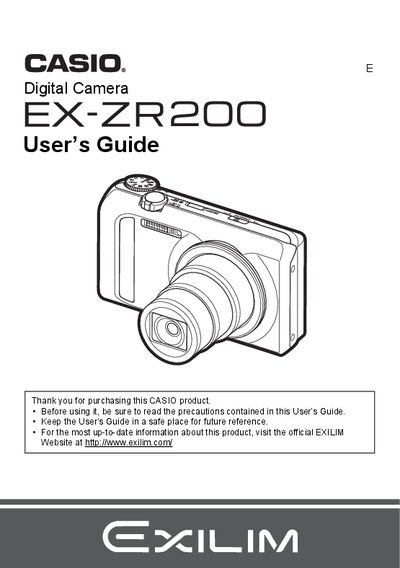
The document serves as a comprehensive User's Guide for the Casio EX-ZR200 digital camera. It begins with unpacking instructions and initial setup steps, such as charging the battery and preparing memory cards. The guide details how to turn the camera on and off, hold it correctly, and take test shots before final use.
The manual provides extensive instructions for various shooting modes, including snapshots, portraits, movies (including high-definition and high-speed recording), and specialized features like HDR Art, Dynamic Photo, and BEST SHOT. It also covers advanced settings such as white balance adjustment, flash control, zoom functions, and continuous shutter operations.
The package includes a rechargeable lithium ion USB-AC adaptor battery (NP-130).
Check to make sure that all items shown on page 2 are included when you unpack your camera.
You should visit the official EXILIM Website at http://www.exilim.com/ for the latest information.