
This is a user manual for the Casio EX-Z700 digital camera, which introduces the camera's features and characteristics and how to use it.
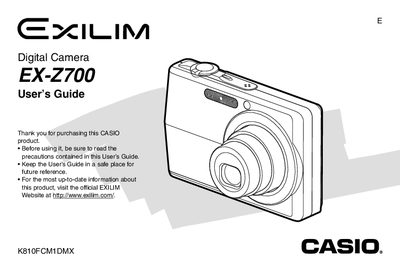
The Casio EX-Z700 is a digital camera equipped with features such as optical zoom, digital zoom, flash assist, and various scene modes including Best Shot. The guide explains how to record images and movies, adjust exposure and white balance, and utilize functions like the self-timer and continuous shutter.
| Power Requirement (AC Adaptor AD-C52S) | 100 to 240V AC, 50/60Hz, 90 mA |
|---|---|
| Output (AC Adaptor AD-C52S) | 5.3V DC, 650 mA |
| Dimensions (AC Adaptor AD-C52S) | 63(W) X 20(H) x 50(D) mm |
| Weight (AC Adaptor AD-C52S) | Approximately 76 g |
The output is 5.3V DC, 650 mA.
Refer to section 'To configure display language and clock settings' in the manual.