
Casio EX-Z670 Digital Camera User's Guide

This is a user guide for CASIO products, providing information on the features and precautions of the product.
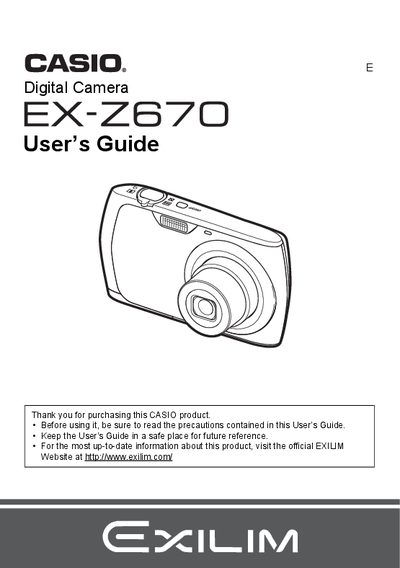

Casio EX-Z670 Digital Camera User's Guide - cover page
Brand
Casio
Category
Digital cameras
Document type
User Manual
Language
English
Pages
143
File format
PDF
File size
3.9 MB
Published
06 June, 2012
Updated
28 September, 2023
MD5 checksum
13AC90BC48CB858A8BDC50328BEDF196

About this manual

This manual provides instructions for using the Casio EX-Z670 digital camera. It covers unpacking the device, charging the NP-80 battery, and configuring basic settings such as date/time and language. The guide details how to operate the camera in various modes including snapshots, movies, and BEST SHOT.

What's inside

  • Unpacking
  • General Guide
  • Quick Start Basics
  • Snapshot Shooting Precautions
  • Recording Movie Images and Audio
  • Using BEST SHOT
  • Advanced Settings
  • Viewing Snapshots and Movies
  • Printing
  • Specifications

Specifications

Battery TypeRechargeable lithium ion battery (NP-80)
Charger ModelBC-81L
Battery Voltage3.7V
Battery Capacity700 mAh
Charging Time210 minutes

Frequently asked questions

What is the operating temperature range for the camera battery?

The battery operates between 0 to 40°C (32 to 104°F).

What is the input power requirement for the charger?

The charger accepts an input of 100 to 240 V AC, 45 mA, 50/60 Hz.

Does the camera support Eye-Fi wireless SD memory cards?

Yes, there is a section dedicated to using an Eye-Fi Wireless SD Memory Card.

Download PDF (3.9 MB)

More Casio Manuals


View all Casio manuals →