
Describe the features and usage of CASIO EXILIM products.
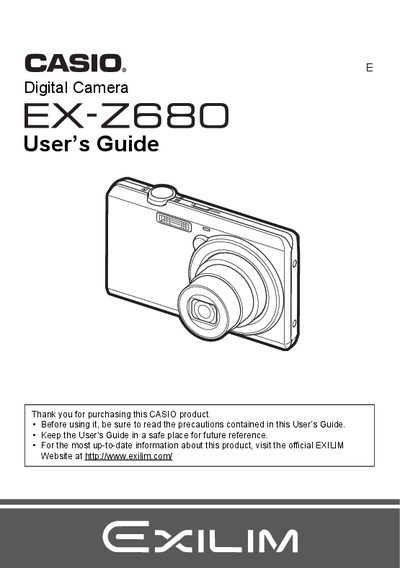
The Casio EX-Z680 is a compact digital camera featuring an LCD panel with high-precision technology. The device supports various shooting features including Face Detection, BEST SHOT scenes, and both optical and digital zoom capabilities for capturing snapshots and recording movies with audio.
This guide details how to configure the camera's monitor settings, use advanced functions like continuous shutter and anti-shake, and manage files via a computer or compatible printers. It also includes instructions for using bundled accessories such as the NP-120 battery and USB-AC adaptor.
| Battery Model | NP-120 |
|---|---|
| Rated Voltage | 3.7V |
| Rated Capacitance | 600 mAh |
The battery operates between 0 to 40°C (32 to 104°F).
Visit the official EXILIM Website at www.exilim.com.