
This manual describes how to use the CASIO EXILIM EX-F10 digital camera
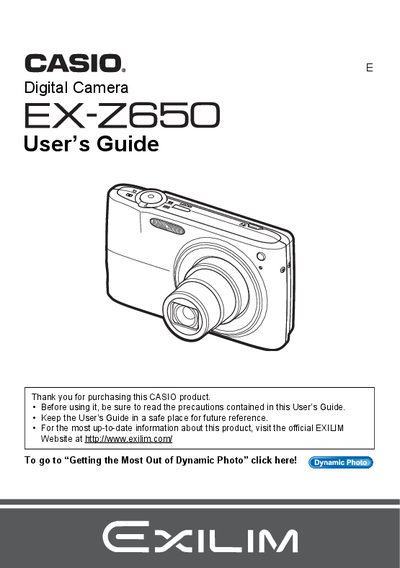
This manual provides instructions for using the Casio EX-Z265 digital camera. It covers essential topics such as unpacking the device, charging the battery, configuring initial settings, and taking snapshots with various modes like Face Detection and BEST SHOT.
The guide also details advanced features including movie recording, image editing functions like red-eye correction and resizing, printing options via PictBridge or DPOF, and transferring files to Windows and Macintosh computers.
| Product Type | Digital Camera |
|---|---|
| Battery Type | Rechargeable lithium ion battery (NP-40) |
You can initialize a new memory card using the camera's menu system as described in the manual.
The package includes a rechargeable lithium ion battery (NP-40), a charger unit (BC-31L), a power cord, a USB cable, an AV cable, and a CD-ROM.
You must shoot a test shot to ensure that the camera is recording correctly.
No, this is due to the characteristics of the liquid crystal panel and does not indicate malfunction.