
All example procedures in this User’s Guide are based on the EX-Z40. The same procedures also apply to the EX-Z30, unless specifically noted otherwise. This User’s Guide provides instructions and precautions for using the CASIO E Digital Camera EX-Z30/EX-Z40.
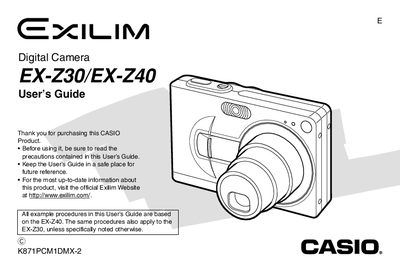
This manual serves as a comprehensive guide for the Casio EX-Z30 and EX-240 digital cameras. It details how to use the camera's features, including recording images and movies in various modes such as Auto Focus, Macro, Pan Focus, and Infinity. The text explains how to configure settings like ISO sensitivity, white balance, and exposure compensation.
| Power Consumption (Recording) | Approximately 2.6W |
|---|---|
| Dimensions (Camera) | 87(W) x 57(H) x 23.1(D) mm |
| Weight (Camera) | Approximately 121 g |
| Battery Type | Rechargeable lithium ion battery (NP-40) |
The guide covers both the EX-Z30 and EX-240 models.
The battery operates between 0°C and 40°C (32°F to 104°F).
No, the camera only supports the special NP-40 rechargeable lithium ion battery.