
This document is a user's guide for the E Digital Camera EX-P600, including precautions and information about accessories.
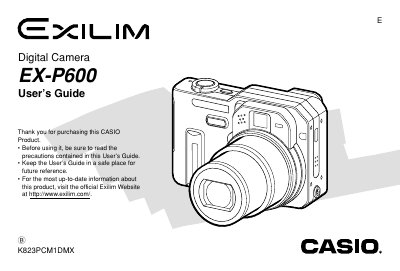
This manual provides comprehensive instructions for using the Casio EX-P600 digital camera. It covers essential topics including unpacking, battery management, turning the camera on and off, and basic image recording procedures.
The guide details advanced features such as various exposure modes (Aperture Priority, Shutter Speed Priority), white balance adjustments, continuous shooting modes, and auto bracketing. It also explains how to use the optical viewfinder, zoom functions, flash unit, and self-timer.
| Dimensions (excluding projections) | 97.5(W) x 67.5(H) x 45.1(D) mm |
|---|---|
| Weight (excluding battery and accessories) | Approximately 225 g (7.9 oz) |
| Battery Type | Rechargeable lithium ion battery (NP-40) |
The operating conditions are 0°C to 40°C (32°F to 104°F).
It takes approximately 2 hours to achieve a full charge.