
This is a user's guide for the K1100PCM1DMX digital camera, which introduces the camera's usage methods and maintenance methods
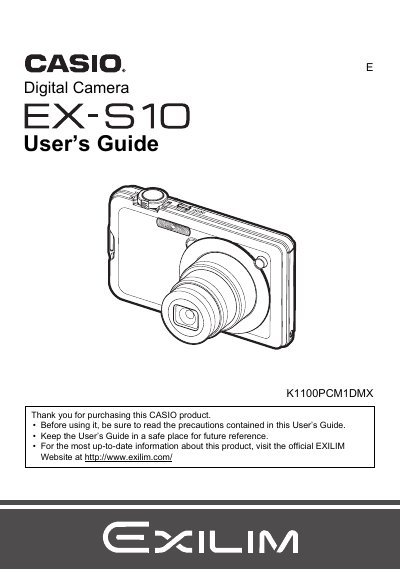
This manual provides comprehensive instructions for operating the Casio EX-S10 digital camera. It covers initial setup steps such as charging the NP-60 battery and loading a memory card. The guide details how to capture snapshots and movie images using various features like Face Recognition, Auto Shutter, and BEST SHOT modes.
| Battery Type | Rechargeable lithium ion battery (NP-60) |
|---|---|
| Charger Unit | BC-60L |
The manual lists a section on 'Supported Memory Cards' but does not specify the exact types in the provided text.
Refer to the 'Power Supply' chapter for instructions on charging and replacing the NP-60 battery.