
Casio EX-S10 Digital Camera User's Guide

This is a user manual that introduces the features and characteristics of the K1100PCM1DMX digital camera.
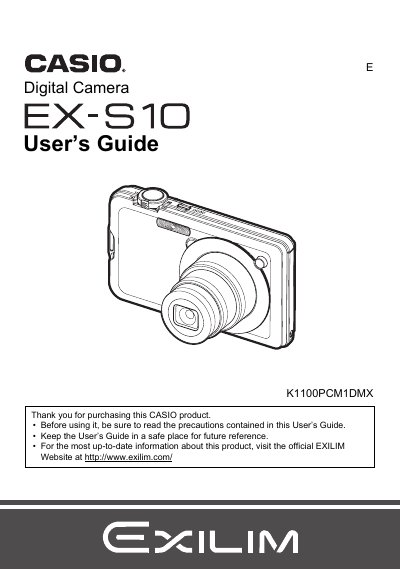

Casio EX-S10 Digital Camera User's Guide - cover page
Brand
Casio
Category
Digital cameras
Document type
User Manual
Language
English
Pages
167
File format
PDF
File size
4.8 MB
Published
06 June, 2012
Updated
30 September, 2023
Model
EX-S10
MD5 checksum
D8638791BCB089B6FDD1A6F0A95C1DC7

About this manual

This manual provides instructions for using the CASIO EX-S10 digital camera. It covers initial setup steps such as charging the NP-60 battery and loading a memory card. The guide details how to operate the camera in various modes including Snapshot, Movie recording, Voice Recording, and BEST SHOT scenarios.

What's inside

  • Unpacking
  • Quick Start Basics
  • Snapshot Shooting
  • Recording Movie Images and Audio
  • Using BEST SHOT
  • Advanced Settings
  • Viewing Snapshots and Movies
  • Other Playback Functions (PLAY)
  • Printing
  • Using the Camera with a Computer

Frequently asked questions

What items are included in the camera package?

The package includes a rechargeable lithium ion battery, a charger unit, a power cord, a strap, a USB cable, an AV cable, a CD-ROM with basic reference software, and this User's Guide.

What should I do before shooting my final image?

You must shoot a test shot to ensure that the camera is recording correctly before taking your final picture.

Does a small number of pixels not lighting up indicate a malfunction?

No, some very small numbers of pixels may not light or remain lit due to the characteristics of the liquid crystal panel and does not indicate malfunction.

Download PDF (4.8 MB)

More Casio Manuals


View all Casio manuals →