
User's Guide for CASIO digital camera, introduces the camera's use methods and features
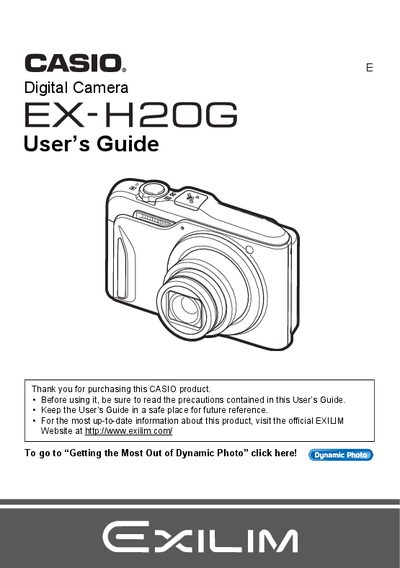
This document is the official User's Guide for the CASIO EX-H2 digital camera. It provides instructions on unpacking the device, charging the NP-90 battery, and configuring initial settings such as date/time and memory card formatting.
The guide details various shooting functions including Auto Focus modes, Face Detection, Hybrid-GPS location recording, and Dynamic Photo features. It also covers playback options like slideshow creation, movie editing, and transferring images to a computer via USB or Eye-Fi cards.
| Battery Type | Rechargeable lithium ion battery (NP-90) |
|---|---|
| Charger Unit Model | BC-90L |
The camera includes a rechargeable lithium ion battery model NP-90.
Yes, the camera features a Hybrid-GPS function designed for recording location information with image data.
Yes, you can view and store images on a computer using the bundled USB cable.