
This is the user's guide for the EX-S20U/EX-M20U digital camera. It introduces the camera's features and characteristics, precautions, and usage methods.
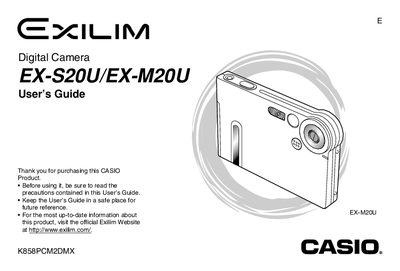
This manual provides instructions for operating the Casio Exilim EX-S20U/EX-M20U digital camera. It details how to prepare the device, including charging the battery and configuring display settings. The guide explains basic image recording functions such as using zoom, flash, self-timer, and adjusting white balance.
Insert the memory card into the camera, access the menu options for formatting, and confirm the action. The manual also notes precautions regarding memory cards.
You should select the '1600 x 1200' image size.
You should select the '640 x 480' image size.
You should select the 'Fine' setting.