
This is a user manual for CASIO EX-S20/EX-M20 digital camera, introducing the camera's features and functions, as well as usage methods
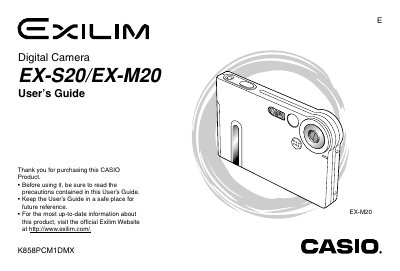
This manual covers the complete operation of the Casio EX-S20 and EX-M20 digital cameras. It details how to get started with unpacking and charging the battery, configuring display settings, and attaching accessories like straps or remote controllers.
The guide explains basic image recording functions such as using zoom, flash, white balance adjustment, and various scene modes including BESTSHOT. It also covers playback features for viewing images and movies, managing files on built-in memory or memory cards, and transferring data to computers via USB.
| Battery Type | Rechargeable lithium ion battery (NP-20) |
|---|---|
| Compatible Memory Card | MultiMediaCard |
Yes, but recording audio is a feature available only on the EX-M20 model.
You can choose from three formats: YY/MM/DD, DD/MM/YY, or MM/DD/YY.
Press the [DISP] button to switch between 12-hour and 24-hour timekeeping.
First select your geographical area, then choose your city name, followed by the summer time setting.