
This is a user manual for a Casio digital camera
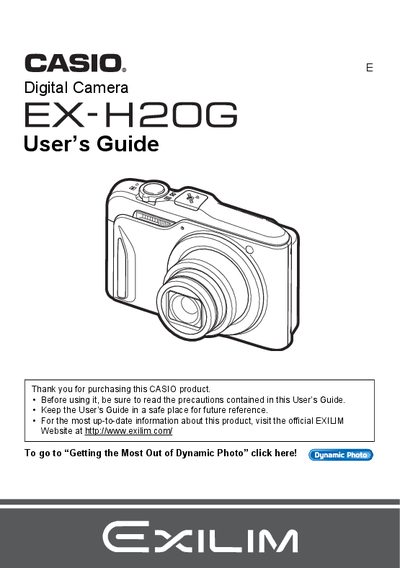
The Casio EX-H2 is a digital camera featuring Hybrid-GPS functionality to record location data with images. The guide explains how to charge the NP-90 battery, format memory cards, and operate the control panel for various shooting scenarios.
Key features include Dynamic Photo technology which inserts built-in subjects into snapshots or movies, Super Resolution zooming, and Face Detection. Users can also utilize BEST SHOT presets and record high-quality movie images.
| Battery Type | Rechargeable lithium ion battery (NP-90) |
|---|---|
| Charger Unit | BC-90L |
It records current location information such as latitude, longitude, direction, and place name with image data.
You can use the Dynamic Photo feature to insert a built-in subject into a snapshot or movie.
Yes, you can upload movie files to YouTube using the computer software described in the guide.