
Apple iMac G3 User Guide

This booklet introduces the basic features and usage of iMac, including how to connect external devices, go online, use e-mail and software, etc.
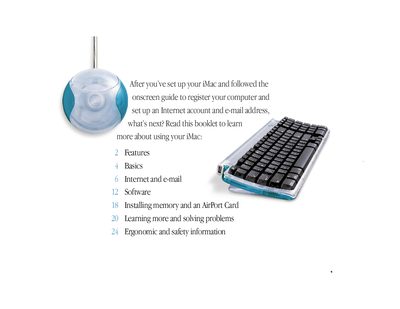

Apple iMac G3 User Guide - cover page
Brand
Apple
Category
All-in-One Desktops
Document type
User Manual
Language
English
Pages
32
File format
PDF
File size
4.3 MB
Published
05 June, 2012
Updated
30 September, 2023
MD5 checksum
149F1C7D2A07D2A5BBB17317F7EE7E87

About this manual

This manual provides an overview of the built-in capabilities of the iMac G3, including its microphone, CD/DVD drive, Ethernet port, FireWire (on some models), and various audio inputs and outputs. It details how to connect external devices like printers, digital cameras, and scanners.

What's inside

  • Features
  • Basics
  • Internet and e-mail
  • Software
  • Installing memory and an AirPort Card
  • Learning more and solving problems
  • Ergonomic and safety information

Frequently asked questions

What can I do with the built-in microphone?

You can record sound and give spoken commands to your computer.

How many headphone pairs can I connect at once?

You can connect one or two pairs of headphones to your computer.

What happens if a call does not connect after three attempts in Australia?

30 minutes must expire before automatic redialing may be initiated.

Download PDF (4.3 MB)

More Apple Manuals


View all Apple manuals →