
This PDF document is the instruction manual of 3D glasses CECH-ZEG1G.
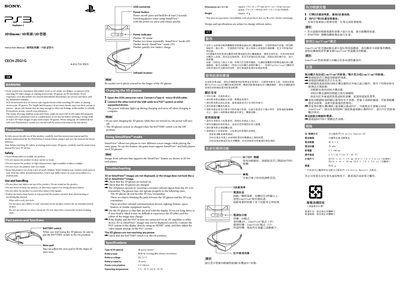
This manual explains how to safely use Sony 3D glasses with the PlayStation 3 system. It covers safety precautions, handling instructions, battery operation, and cleaning recommendations.
The guide details the battery specifications, charging procedure, power‑indicator signals, SimulView™ mode for two‑player 3D gaming, and provides troubleshooting steps for common issues such as no power or missing 3D images. Technical specifications such as dimensions, weight, and operating temperature are also listed.
| Battery type | Built-in, rechargeable lithium‑ion |
|---|---|
| Battery voltage | DC 3.7 V |
| Battery capacity | 70 mAh |
| Power consumption | 5 V 100 mA |
| Operating temperature | 5 °C – 35 °C (44 °F – 95 °F) |
| Dimensions (in use) | 174 × 41 × 177 mm (6.9 × 1.6 × 7.0 in) |
| Weight | Approx. 47 g |
Connect a Type‑A to micro‑B USB cable from the glasses to a PS3 or supported device; the power indicator lights while charging and turns off when charging is complete.
Three flashes indicate 3D mode, two quick flashes indicate SimulView™ (2‑player) mode, a slow flash indicates SimulView™ (1‑player) mode, and a rapid flash signals low battery.
Possible reasons include the glasses being turned off, not charged, not facing the IR sync transmitter, or interference from other infrared devices.