
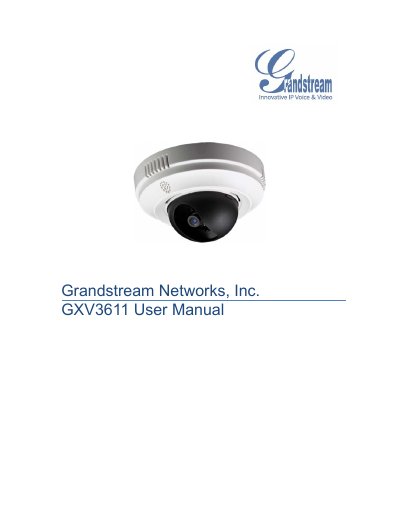
The GXV3611 is a mini IP dome camera designed for remote monitoring and surveillance over LAN or the Internet. It supports H.264 video, SIP integration, and offers features such as motion detection and audio input.
The manual covers safety warnings, package contents, hardware overview, lens specifications, wiring diagrams, web‑based configuration, network settings, alarm handling, and an extensive FAQ that addresses common setup and troubleshooting questions.
| Image Sensor | 1/3.2", 2‑Megapixel CMOS |
|---|---|
| Lens Type | 1/3", 4.2 mm, F1.8 fixed focal length |
| Minimum Illumination | 0.05 Lux at F1.2 |
| Maximum Video Resolution | 1600×900; 1280×720; 800×450; 640×360; 480×270; 320×180 |
| Maximum Frame Rate | 20 fps at 1600×900, 30 fps at lower resolutions |
| Power Input | 12 V DC / 1.5 A, 100–240 VAC, 50–60 Hz |
| Weight | 0.43 kg |
| Dimensions | 138 mm (D) × 85.6 mm (H) |
| Operating Temperature | 0 °C – 45 °C (32 °F – 133 °F) |
| Audio Input | 3.5 mm LINE IN |
Press and hold the RESET button on the device for 7 seconds.