
The Grandstream HT801/HT802 User Guide explains setup, configuration, and call features for these analog telephone adapters.
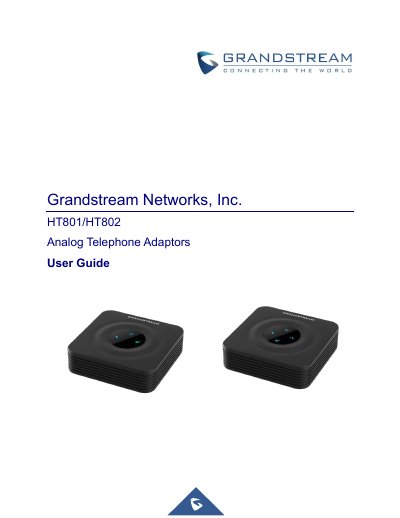
This guide provides an overview of the Grandstream HT801 and HT802 analog telephone adapters, describing their hardware interfaces, supported protocols, and key features. It is intended to help users install, configure, and operate the devices in VoIP environments.
The document covers getting started, detailed configuration via the web UI and voice prompts, call handling features, firmware upgrade procedures, and how to restore factory defaults. It also includes technical specifications, LED indicators, and troubleshooting information.
| Telephone Interfaces | HT801: one RJ11 FXS port; HT802: two RJ11 FXS ports |
|---|---|
| Network Interface | 10/100Mbps auto‑sensing Ethernet (RJ45) |
Dial ***70X where X is the port number (e.g., ***701 for port 1) to call between ports without a SIP server.