
This manual introduces the features and characteristics of Grandstream Networks, Inc. GXP1450 SIP Enterprise Phone.
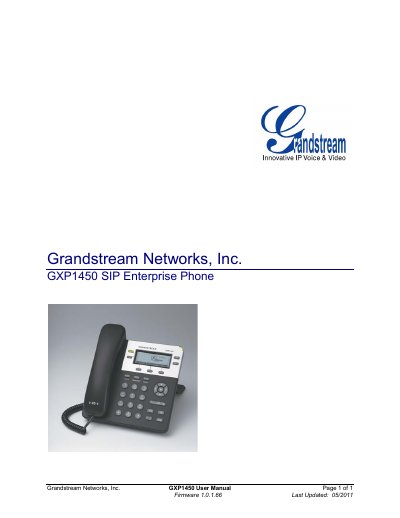
This manual covers everything needed to set up and use the Grandstream GXP1450 SIP Enterprise Phone, including equipment packaging, safety compliance, and warranty information. It introduces the phone's hardware features such as the 180x60 pixel backlit LCD, dual Ethernet ports with PoE, and two SIP lines.
Detailed sections guide users through connecting the phone, configuring settings via keypad or web browser, upgrading firmware via TFTP or HTTP, and restoring factory defaults. The document also explains LCD customization, call features, and advanced security options.
| Ethernet Ports | Two 10/100 Mbps Full/Half Duplex ports with PoE |
|---|---|
| LCD Display | Graphic 180 x 60 pixel |
| Power Adaptor Output | +5VDC, 800 mA, UL certified |
| Dimensions | 186 mm × 210 mm × 81 mm |
| Lines | 2 lines with 2 independent SIP accounts |
The phone has two 10/100 Mbps Ethernet ports with PoE support.
Firmware can be upgraded via TFTP or HTTP using either the web interface or the keypad menu.
The LCD is a backlit graphic display measuring 180 × 60 pixels.