
This document is the instruction manual for the multi-function remote control of the LT series and MT series projector.
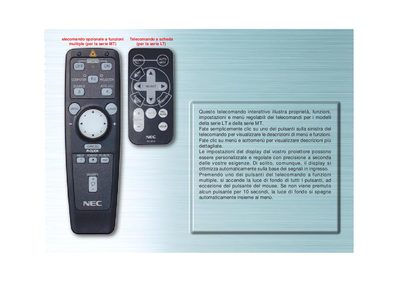
This manual explains the features and adjustable settings of the remote control used with NEC projectors of the MT and LT series. It guides the user through menu navigation, button functions, and display customization.
The document details each button (e.g., FONTE, AUTOALLINEAMENTO, COMPUTER/SELEZIONA PJ) and describes automatic behaviors such as back‑light timeout and auto‑alignment, helping users operate the projector efficiently. This manual is written in Italian.
The back‑light of all buttons turns off automatically after 10 seconds of inactivity.
Press the COMPUTER/SELEZIONA PJ button to toggle the mouse buttons between projector mode (red light) and computer mode.