
This manual details the use of the LT/MT series projector remote control, including key functions, adjustable functions and menu settings.
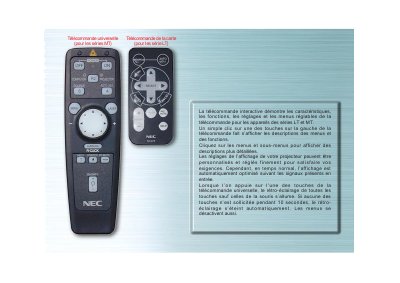
The manual describes the universal remote designed for NEC LT and MT series projectors. It details each button, including Source, Automatic Adjustment, menu navigation, and special function keys, and explains how to access on‑screen menus and adjust projector settings.
It also covers the back‑light behavior, LED indicators, and how to toggle the mouse buttons between computer and projector modes. The document provides step‑by‑step instructions for selecting input sources, adjusting image geometry, and using the remote's highlight and checkbox features. This manual is written in French.
| Backlight timeout | 10 seconds |
|---|---|
| LED indicator | blinks when a button is pressed |
The remote’s back‑light turns off automatically after 10 seconds of inactivity.
Press the ORDINATEUR/SELECTION PROJECTEUR button; the mouse buttons toggle mode and the button lights red.