
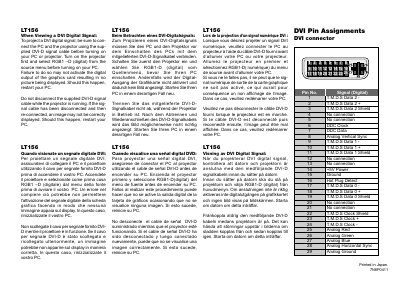
This document introduces basic information about LT156 DVI module, including the module's pin definition, usage instructions, and usage precautions.
This manual covers everything you need to install and use the NEC MultiSync LT156 projector. It includes safety warnings, installation steps, connection diagrams for DVI, VGA, and other inputs, and detailed operating instructions for menus, lamp replacement, and cleaning.
The document also provides troubleshooting tips, a full specification table, and PC‑control codes for advanced users. All instructions are illustrated with diagrams and multilingual safety notices.
| Lamp power | 130 W |
|---|---|
| Supported NTSC resolution | 640 × 480 @ 60 Hz |
Connect the PC and the projector using the supplied DVI‑D signal cable before turning on either device, then turn on the projector first and select RGB1‑D as the source.
Restart your PC.