
This manual introduces the basic hardware installation steps of the NETGEAR FSM7326P Ethernet switch, including installing the power adapter, installing modules, and installing cables.
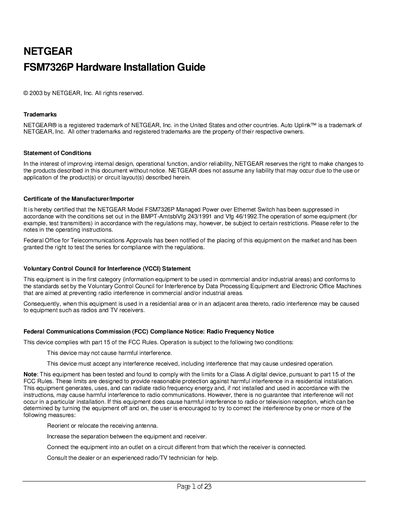
This guide introduces the NETGEAR FSM7326P Managed Power over Ethernet Switch, a 24‑port, PoE‑capable Ethernet switch with two combo SFP ports. It describes the switch’s features, management interfaces, and specifications such as auto‑sensing ports, auto‑uplink, and Layer‑2/3 capabilities.
The document walks through site preparation, hardware installation, connecting devices, configuring the console port, and adding a redundant power supply. Appendices provide technical specifications, troubleshooting steps, and the factory default configuration settings.
| Ethernet ports | 24 10/100 Mbps auto‑sensing Fast Ethernet TP ports |
|---|---|
| PoE power per port | Up to 15 W per IEEE802.3af‑compliant device |
| Maximum segment length | 328 ft (100 m) over Category 5 UTP cable |
| Default VLAN | All ports belong to VLAN 1 (untagged) |
The switch provides twenty‑four 10/100 Mbps auto‑sensing Fast Ethernet ports.
It complies with IEEE802.3af and can deliver up to 15 W of power to each PoE‑compatible device.
The unit can be used as a free‑standing desktop device or mounted in a standard 19‑inch rack (1 U).