
This is an installation guide that describes how to connect the NETGEAR CM212 Cable Modem, configure it and your computers for secure Internet access.
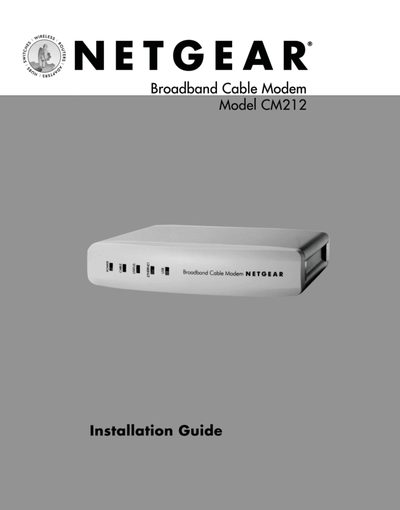
The NETGEAR CM212 Cable Modem Installation Guide walks you through unpacking, connecting power, coax, and either USB or Ethernet cables, and configuring a Windows PC. It also covers driver installation from the supplied CD and basic troubleshooting.
The guide lists the items included in the box, required system requirements, and provides compliance and support information for U.S., Canadian, and European markets.
| Power adapter | included |
|---|---|
| USB cable | included |
| Ethernet patch cable (Category 5) | included |
| CM212 GearBox CD | included |
The USB connection supports Windows 98 Second Edition, Windows Me, Windows 2000, and Windows XP.
The estimated installation time is 15 to 30 minutes.