
This document provides basic setup instructions for the WG111 54 Mbps Wireless USB 2.0 Adapter, including information on adapter placement and usage.
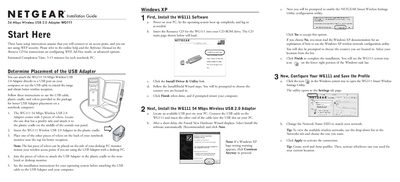
The guide walks you through installing the NETGEAR WG111 54 Mbps Wireless USB 2.0 Adapter on a notebook or desktop computer. It covers placement of the adapter using the supplied velcro and cradle, driver installation from the Resource CD, and initial software setup.
After installing the driver, you configure the WG111 using the Smart Wireless Settings Utility, set the SSID, create profiles, and verify connectivity by checking the system‑tray icon and LED status. The document also notes supported operating systems (Windows XP, 2000, Me, 98SE) and points to the Reference Manual for troubleshooting.
| Data Rate | 54 Mbps |
|---|---|
| Interface | USB 2.0 |
| LED Indicator | Blinking = attempting to connect; solid = good connection; off = not plugged in |