
This document is the user manual for TL-WG111T Wireless USB Adapter. It introduces basic setup methods.
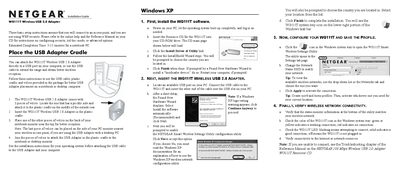
This guide walks you through the physical setup of the WG111T Wireless USB 2.0 Adapter, including attaching the cradle and positioning velcro for optimal reception. It then details the software installation process from the supplied CD for Windows XP and Windows 2000, and shows how to configure the Netgear Smart Wireless Settings Utility.
After installation, the guide explains how to verify connectivity, interpret the adapter’s LED status, and access technical support resources. It also notes the estimated completion time and provides troubleshooting pointers.
| Interface | USB 2.0 |
|---|---|
| Maximum Data Rate | 108 Mbps |
Open the Netgear Smart Wireless Settings Utility and use the drop‑down list or Networks tab to select the desired network.
Click “Continue Anyway” to proceed with the installation.