
The NETGEAR RP614 Cable/DSL Web Safe Router Gateway is a high-performance 4-port Internet gateway that securely extends broadband Internet connection to all computers. It provides advanced filtering and control features that allow parents to limit URL access and monitor Internet activities, while firewall protection secures computers and network against hackers. It also supports instant sharing of broadband Internet connection, file sharing, video streaming, head-to-head Internet game-playing, and MP3 downloading. The product is easy to install and use, and is compatible with all Ethernet cable and DSL modems and all Internet service providers.
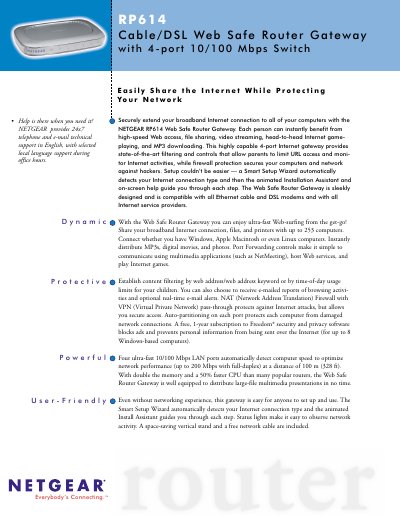
The NETGEAR RP614 Web Safe Router Gateway is a 4‑port 10/100 Mbps router that extends broadband Internet to up to 253 computers while offering content filtering, parental controls, and firewall protection. It includes a Smart Setup Wizard, an animated Installation Assistant, and a free 1‑year subscription to Freedom security software.
This manual covers hardware installation, initial configuration with the Smart Wizard, detailed technical specifications, routing protocols, application support, maintenance procedures, and warranty information. It also lists package contents and system requirements for Windows, Mac, Linux, and other operating systems.
| LAN Ports | 4 x 10/100 Mbps |
|---|---|
| Processor | 50 MHz ARM7 |
| Memory | 1 MB Flash, 8 MB DRAM |
| Power Adapter | 7.5 VDC 1 A |
| Dimensions | 28 × 175 × 118 mm |
| Operating Temperature | 0 °C to 40 °C |
The RP614 comes with a limited 3‑year warranty.
The Smart Setup Wizard automatically detects the ISP type (static, dynamic, PPPoE) and guides the user through each setup step with on‑screen help.