
This document is the user manual for NETGEAR, Inc. Skype™ WiFi Phone Model SPH101, which describes the features and usage of the WiFi phone.
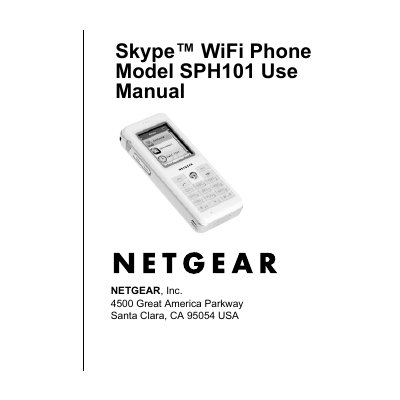
This manual explains how to get started with the Skype™ WiFi Phone, including unpacking, battery charging, joining a wireless network, signing in to Skype, and using the phone’s features such as calls, voicemail, and status changes.
It also contains the wireless default settings, detailed technical specifications (antenna, frequency, dimensions, weight, power, and encryption), regulatory compliance information, and troubleshooting guidance.
| Antenna | Internal |
|---|---|
| Radio data rate | 1, 2, 5.5, 6, 9, 11, 12, 18, 24, 36, 48, 54 |
| Frequency | 2.4–2.4835 GHz |
| Interface | USB (charging only) |
| Weight with battery | 0.25 lb (0.11 kg) |
| Dimensions (W × H × D) | 1.8 × 4.3 × 0.8 in (46 × 110 × 21 mm) |
| Operating temperature | 32 °F–104 °F (0 °C–40 °C) |
| Encryption | WEP 64, WEP 128, WPA‑PSK (TKIP) |
Connect the power cord to an outlet; the battery will charge, which can take up to 12 hours.
The phone uses any SSID, security disabled, infrastructure network type, and auto transmission speed.