
This manual describes the features and usage of NETGEAR Powerline AV+ 200 Nano Adapter XAV2602.
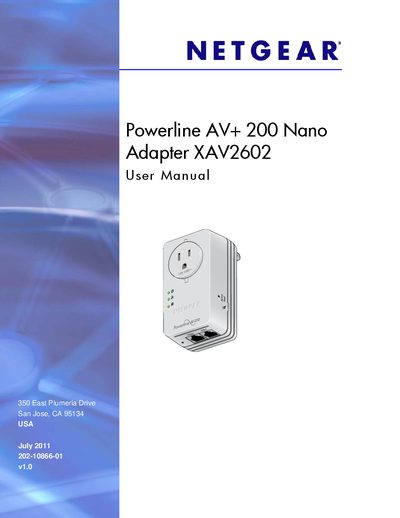
This manual guides you through getting started with the Powerline AV+ 200 Nano Adapter XAV2602, describing hardware features, LED status indicators, side buttons (Security and Reset), Ethernet ports, and port‑based Quality of Service. It explains how to connect the adapter to a home network, use the Powerline Utility software, and configure encryption keys.
Later sections cover the Powerline Utility interface, troubleshooting tips, safety information, and regulatory compliance details for FCC, Canadian, and EU standards. Appendices include technical specifications and the GPL license notice.
Press the Security button on the first adapter for 2 seconds, then within 2 minutes press the Security button on the second adapter for 2 seconds to trigger security pairing.
Solid green means power is on; blinking green indicates restarting or security setup; amber shows power‑saving mode; off means no power.
Port 1 (the left port) is the high‑speed video port and should be used for high‑priority traffic.