
This manual introduces the NETGEAR CVG834G Wireless Cable Voice Gateway's features and characteristics.
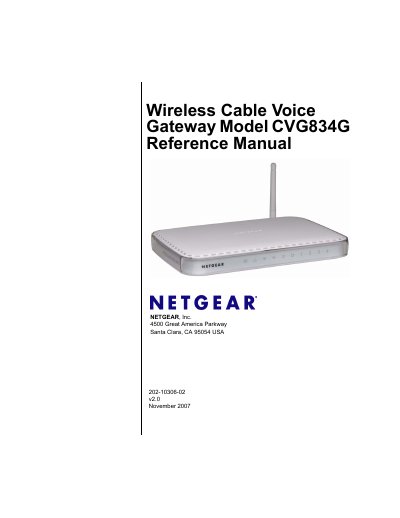
The NETGEAR CVG834G Wireless Cable Voice Gateway combines wired and wireless voice services for home or small‑business use. It supports 802.11b/g Wi‑Fi, Ethernet, USB, and VoIP features, allowing users to connect phones, computers, and other devices to the Internet.
The reference manual covers hardware installation, wireless setup, network protection, management functions, and detailed technical specifications. It includes step‑by‑step procedures for resetting to factory defaults, configuring security, and troubleshooting common connectivity issues.
| Power Input | 120V, 60 Hz |
|---|---|
| Power Output | 15 V DC @ 1.2 A (15 W max) |
| Dimensions | 6.9 × 4.5 × 1.2 in (175 × 114 × 30 mm) |
| Weight | 0.68 lb (0.31 kg) |
| Default LAN IP Address | 192.168.0.1 |
| Subnet Mask | 255.255.255.0 |
| DHCP Server | Enabled |
| Default Wireless Channel | 6 |
| WEP Encryption | 128‑bit |
Press and hold the reset button on the front of the device for about 5 seconds until the Test LED blinks rapidly.
The default login URL is http://192.168.0.1.
The gateway supports WEP 128‑bit, WPA‑PSK, WPA2‑PSK, and WPA security modes.
The default channel is set to 6.