
This document provides instructions for installing the NETGEAR RangeMax™ Dual Band Wireless-N USB Adapter WNDA3100v2 and includes important considerations. By inserting the resource CD and following the onscreen instructions, you can connect this wireless adapter to an access point or wireless router.
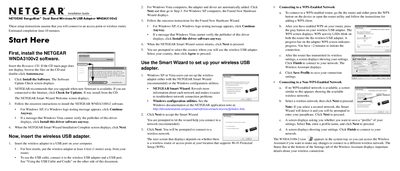
This guide walks you through installing the NETGEAR WNDA3100v2 software from the supplied CD, updating firmware, and completing the Smart Wizard setup. It also explains how to attach the adapter using the USB cable and cradle for better reception.
The document details connecting to both WPS‑enabled and non‑WPS networks, interpreting the status bar, and troubleshooting signal strength, channel selection, and throughput issues.
| Interface | USB |
|---|---|
| Adapter Type | Dual Band Wireless‑N USB Adapter |
A closed lock means security is enabled; an open lock indicates an unsecured network.
Place the adapter at least 4 feet (1 meter) from the router or use the USB cable and cradle to extend range.