
This is an installation guide for TA612V voice adapter
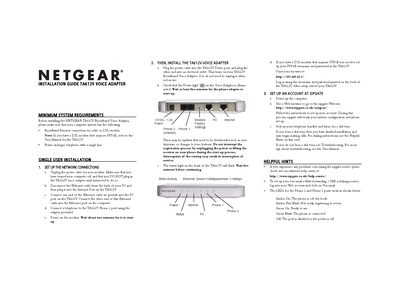
This guide explains how to install the Netgear TA612V Broadband Voice Adapter. It includes steps for single‑user installation, connecting the adapter to a modem or router, configuring PPPoE settings, and setting up a SIPgate account. After powering the device, the guide shows how to verify the status lights and confirm a dial tone before making calls.
Additional sections cover installation with multiple devices, LED indicator meanings, troubleshooting tips for no dial tone, and where to find technical support. The document also provides the default IP address (192.168.61.1) for web‑based configuration and power specifications.
| Power Supply | 12 V DC, 1.2 A |
|---|---|
| Ethernet Speed Indicator | Green = 100 Mbps, Amber = 10 Mbps |
Open a web browser, go to http://192.168.61.1, and enter the PPPoE username and password printed on the back of the TA612V.
Amber On means the phone is off the hook; Amber Fast Blink means the device is registering; Green On means ready to use; Green Blink means the phone is connected; Off means the port is disabled or power is off.
Pick up the telephone handset; if you hear a dial tone, the installation is complete and you can start making calls.