
TL-MR3420 3G/3.75G Wireless N Router is a wireless router
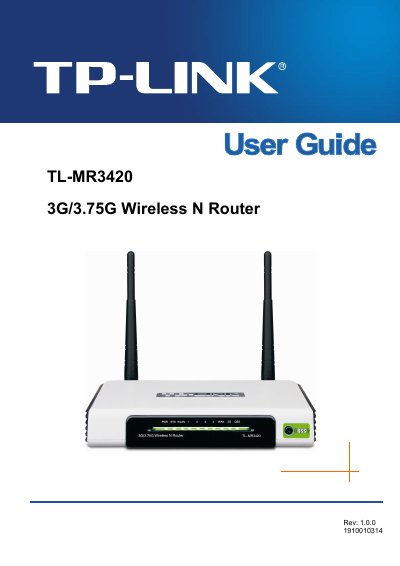
This manual introduces the TL-MR3420 3G/3.75G Wireless N Router, describing its hardware layout, main features, and intended use for home and office networking. It explains how the router combines 3G/3.75G cellular connections with Wi‑Fi to create a portable broadband hotspot.
The document covers installation requirements, step‑by‑step wiring and quick‑setup procedures, detailed configuration of wireless, security, DHCP, port forwarding, QoS, and advanced features. Appendices provide full technical specifications, a glossary of terms, and a list of compatible 3G/3.75G USB modems.
| WAN Port | One 10/100M Auto‑Negotiation RJ45 port |
|---|---|
| LAN Ports | Four 10/100M Auto‑Negotiation RJ45 ports (Auto MDI/MDIX) |
| Wireless Frequency Band | 2.4 ~ 2.4835 GHz |
| Maximum Data Rate (802.11n) | Up to 300 Mbps |
| Antenna Gain | 3 dBi × 2 |
| Operating Temperature | 0 °C ~ 40 °C (32 °F ~ 104 °F) |
Reorient or relocate the receiving antenna, increase the separation between the equipment and receiver, or connect the equipment to a different outlet.
It supports WEP, WPA, WPA2, WPA‑PSK, WPA2‑PSK authentication, and TKIP/AES encryption.
Press the QSS button to automatically configure WPA2 security and start the wireless network within a minute.