
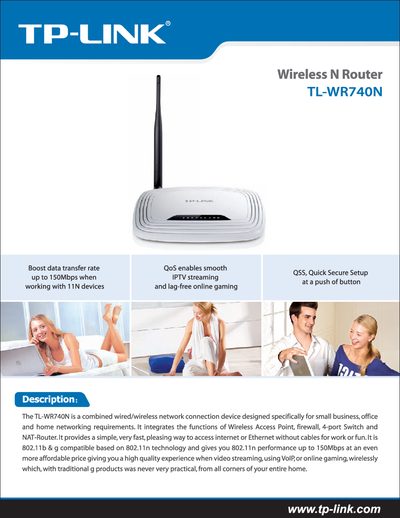
The TL‑WR740N is a combined wired/wireless network device designed for small‑business, office, and home use. It integrates a wireless access point, firewall, 4‑port switch, and NAT router, supporting 802.11b/g/n with speeds up to 150 Mbps.
This manual explains the Quick Secure Setup (QSS) button, configuration of wireless and LAN settings, supported features such as QoS, UPnP, VPN, and provides detailed technical specifications, power‑supply information, and environmental limits.
| Wireless Speed | up to 150 Mbps |
|---|---|
| Frequency Range | 2.4 – 2.4835 GHz |
| Antenna | 5 dBi Fixed Omni‑directional |
| Ethernet Port | 1 × 10/100 Mbps Auto‑Sensing RJ45 (Auto MDI/MDIX) |
| Operating Temperature | 0 °C – 40 °C (32 °F – 104 °F) |
| Dimensions | 6.9 × 4.6 × 1.3 in (174 × 118 × 33 mm) |
| Maximum Transmit Power | 20 dBm (EIRP) |
| Receiver Sensitivity (1 Mbps) | -90 dBm @ 8 % PER |
Press the QSS (Quick Secure Setup) button to start the guided wireless setup process.
The router provides wireless speeds of up to 150 Mbps when connected to compatible devices.
It operates in the 2.4 GHz band, covering 2.4 – 2.4835 GHz.