
Linksys WMP54G Wireless-G PCI Adapter User Manual

Instructions for installing a wireless network card
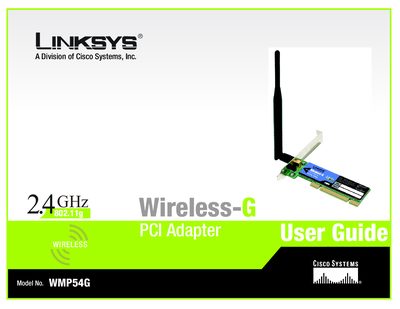

Linksys WMP54G Wireless-G PCI Adapter User Manual - cover page
Brand
Linksys
Category
Other device
Document type
User Manual
Language
English
Pages
67
File format
PDF
File size
1.8 MB
Published
08 May, 2012
Updated
30 September, 2023
Model
WMP54G
MD5 checksum
D87964B6CA6395551FDF48DA4499C82A

About this manual

This user guide walks you through planning a wireless network, installing the WMP54G PCI adapter, and using the built‑in Wireless Network Monitor. It explains the Setup Wizard, antenna positioning, and how to create and manage profiles, as well as the Secure Easy Setup feature for quick configuration.

Additional sections cover wireless security options (WEP, WPA‑Personal, WPA‑Enterprise, LEAP), troubleshooting tips, Windows XP Wireless Zero Configuration, a glossary of networking terms, technical specifications, warranty, regulatory compliance, and contact information for Linksys support.

What's inside

  • Introduction
  • Planning Your Wireless Network
  • Setting Up and Connecting the PCI Adapter
  • Using the Wireless Network Monitor
  • Wireless Security
  • Troubleshooting
  • Windows XP Wireless Configuration
  • Specifications
  • Warranty Information
  • Contact Information
Download PDF (1.8 MB)

More Linksys Manuals


View all Linksys manuals →