
This document provides instructions for the quick installation of a Cisco Systems, Inc.® model, including the IP telephony system and the required equipment.
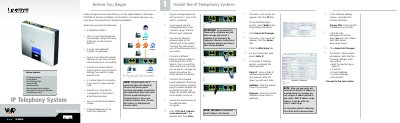
This guide walks you through the initial setup of the Cisco Voice1 IP telephony system. It lists required items, explains how to connect the system to power, Ethernet, and optional analog phones, and shows how to access the web‑based administration interface.
After the hardware is connected, the document details network configuration (static IP, DNS, WAN settings) and SIP registration steps for Linksys SPA‑family phones, including SPA941. It also covers enabling remote management, configuring auto‑attendant, and setting up external calling with your Internet Telephony Service Provider. This manual is written in Chinese.
| Default system IP address | 192.168.0.1 |
|---|---|
| Default SIP port | 6060 |
| Supported Linksys phone model | SPA941 |
The default local IP address is 192.168.0.1.
The system uses port 6060 for SIP by default.
Linksys SPA‑family Internet phones, such as the SPA941, are auto‑registered.
Set the "Enable WAN Web Server" option to Yes in the Remote Management section.