
This is the user manual for the Linksys E3000 High Performance Wireless-N Router
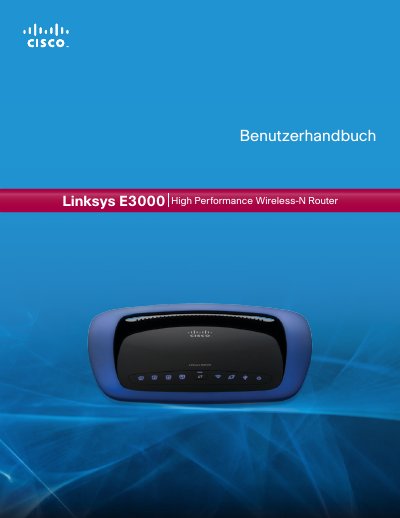
This manual covers the Linksys E3000 High‑Performance Wireless‑N router, describing its hardware features, four Gigabit Ethernet ports, integrated USB storage, and security functions such as WPA2, SPI firewall, and NAT. It guides users through basic setup, wireless network creation, and optional advanced settings.
Later sections explain how to access the browser‑based utility, configure internet connection types, manage DHCP, set up USB storage devices, and perform factory resets. Appendices include installation tips, USB storage access, specifications, and a troubleshooting guide. This manual is written in German.
Press and hold the Reset button for about five seconds, or use the browser‑based utility under Administration → Factory Defaults.